
Access codes in seconds
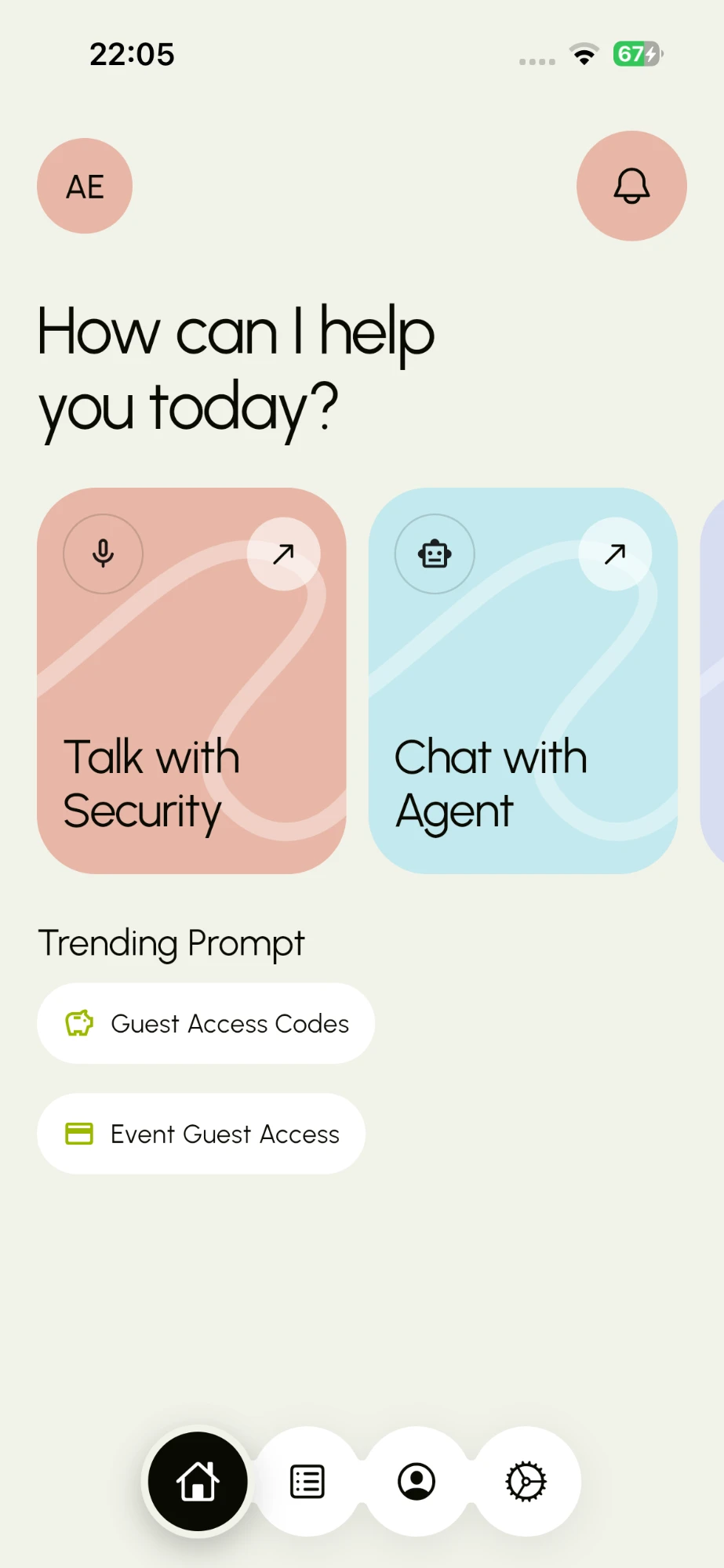
Enter a name, pick who they are (guest, artisan, dispatch rider, courier) and set the window. MRA.ai issues a six-digit code you can share in one tap. Security checks the code; you don't have to pick up the phone.
Smart gate access for residential estates
Create a one-time code for a guest, an artisan or a dispatch rider in seconds. Run access for a whole wedding or birthday. Watch every code go from active to used to expired. MRA.ai comes with your estate dues, so security always knows who is a paid-up resident.
Whoever's at the gate
What residents get
Enter a name, pick who they are (guest, artisan, dispatch rider, courier) and set the window. MRA.ai issues a six-digit code you can share in one tap. Security checks the code; you don't have to pick up the phone.
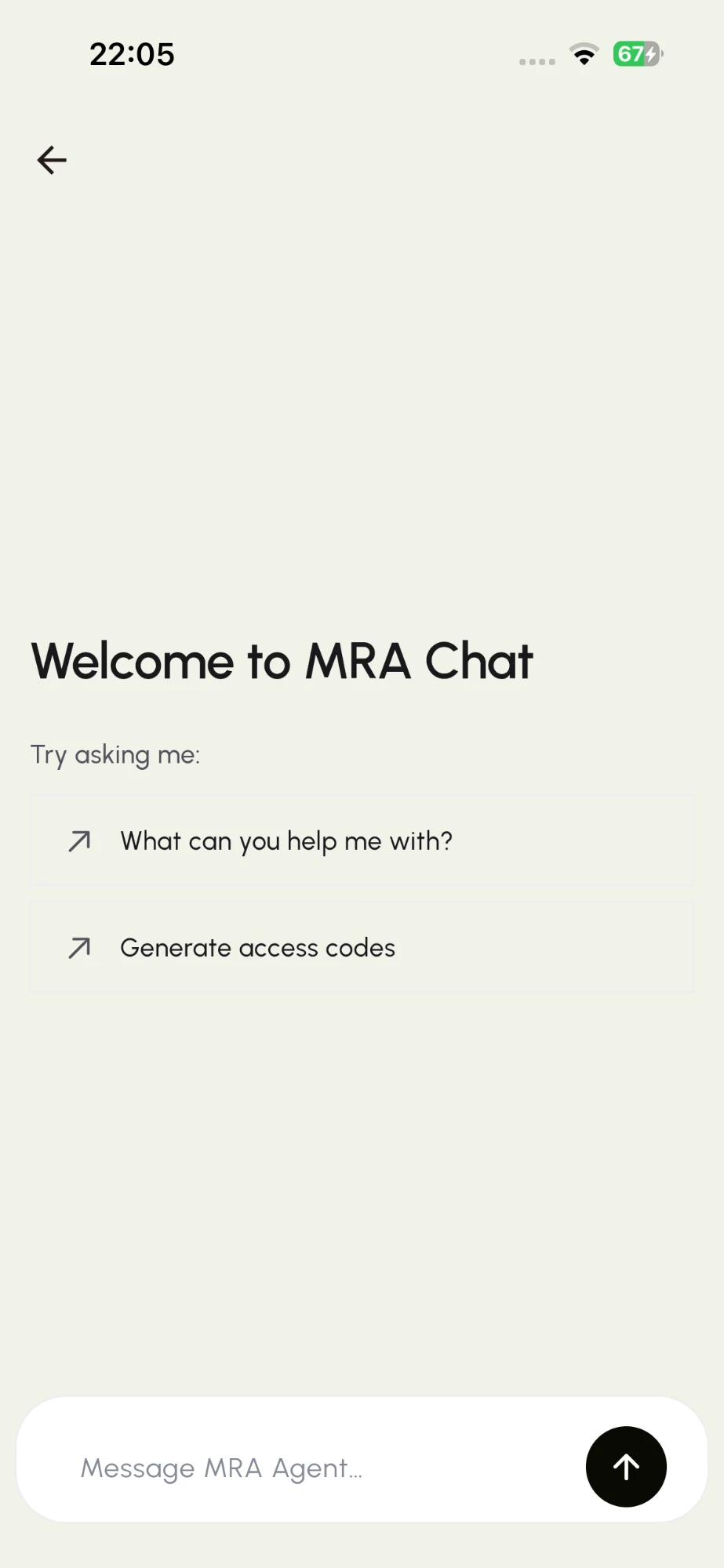
Just type it: “Give my plumber access till 4pm.” The agent creates the code and answers questions about your access.
Need to speak to the gate? Talk with estate security straight from the home screen.
Status & history
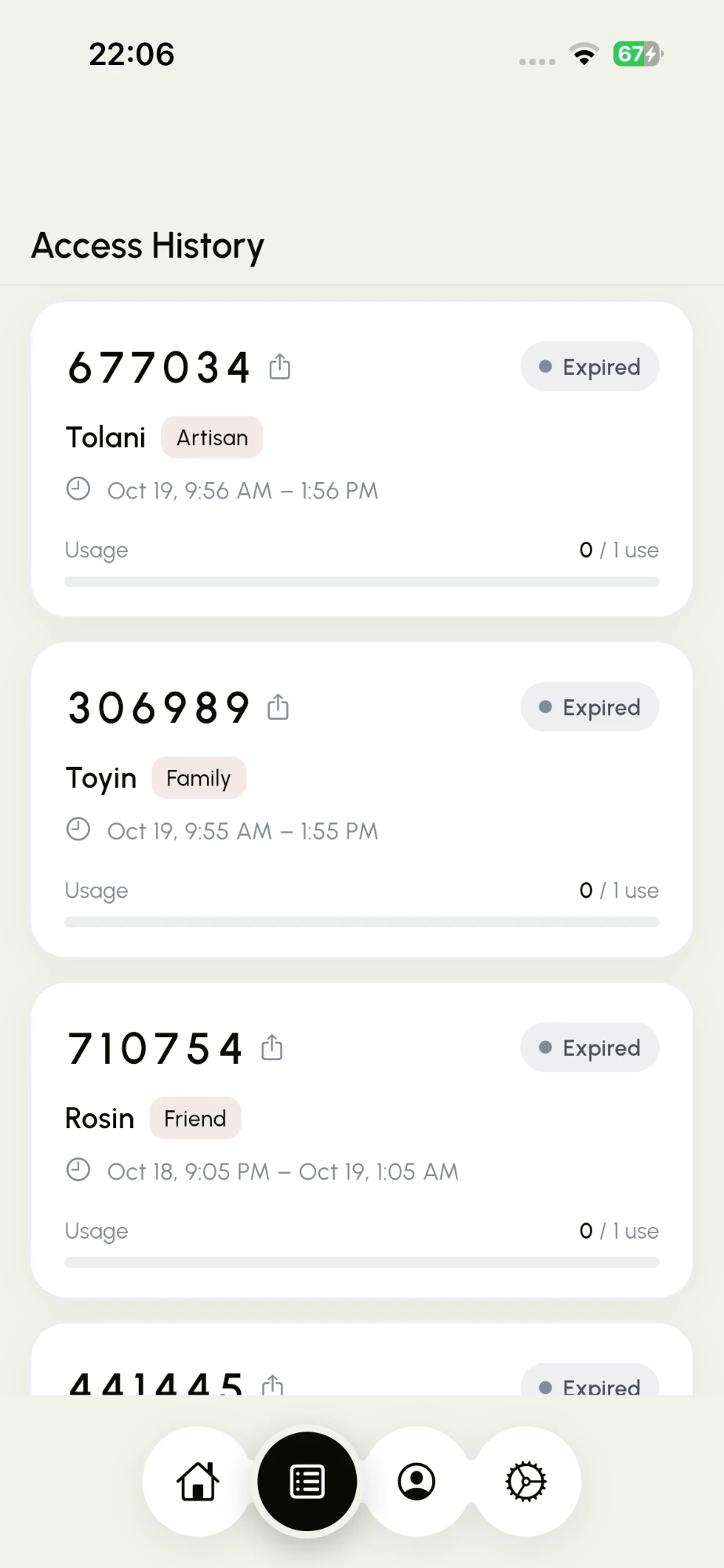
Every code you've issued lives in your Access History with its visitor, their role, the time window and how many times it has been used. Codes expire on their own, so nothing stays open by accident.
Family
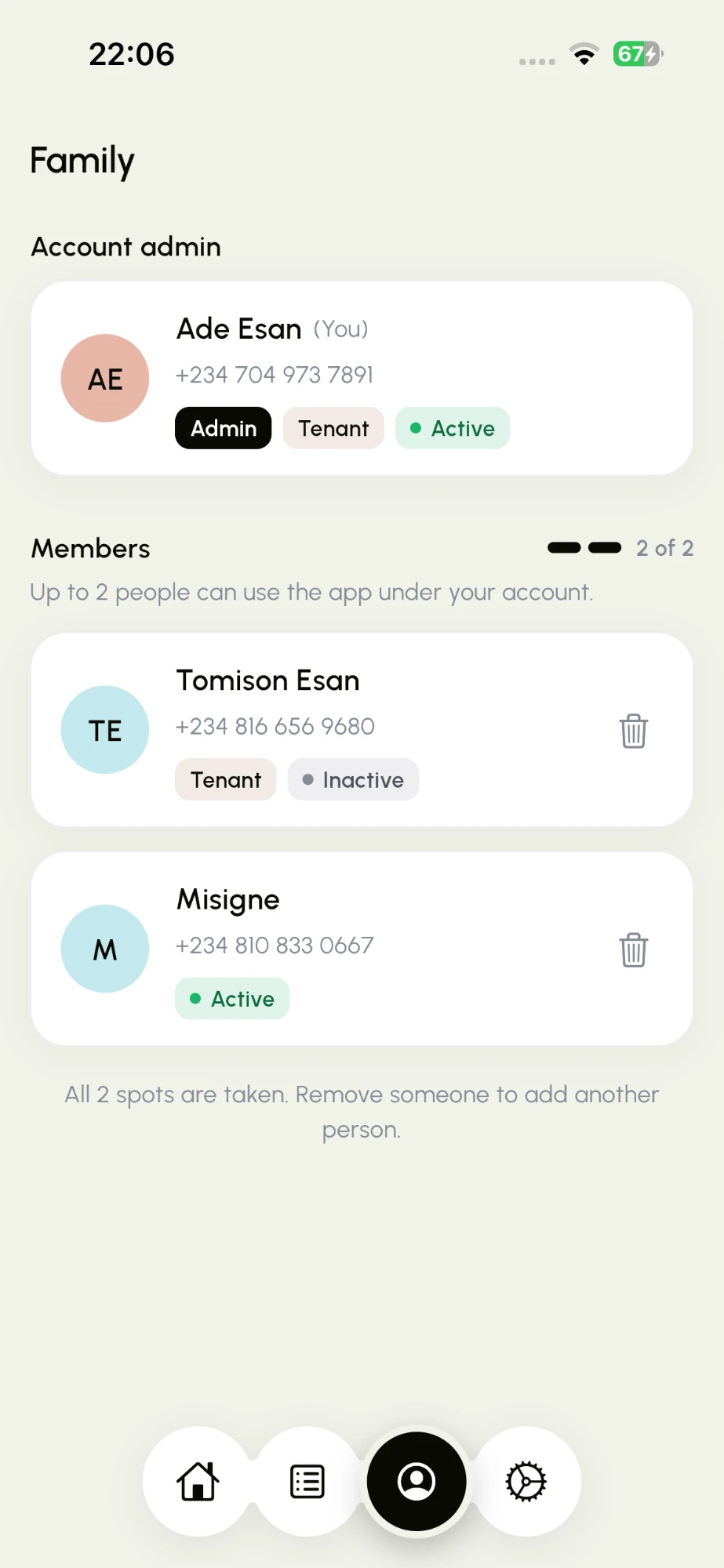
As the account admin you can add family members to use MRA.ai under your account. Each one gets their own login and can create codes for their own visitors. Remove someone at any time and their access stops.
MRA Agent
Not sure how something works? Need codes for three workers tomorrow? Ask the MRA Agent. It can generate codes and walk you through the app, all from the chat.
Event codes
Weddings, birthdays, naming ceremonies, house parties. Create one event code with a start and end time and a guest limit, then send it with your invitation. Security sees it's for your event, and it switches off when the party ends.
Event code
Adaeze & Tunde's Wedding
482 913
ActiveHow it works
Tap “Guest Access Codes” or ask the agent. Add the visitor's name, role and time.
Send the six-digit code via WhatsApp, SMS or any app with the share button.
Your visitor gives the code at the gate. Security verifies it and you can see that it was used.
For estate associations
MRA.ai is adopted by the estate, not sold door to door. Access is part of the estate dues, so only residents who've paid can issue codes. That gives your executives a clear, live view of who's up to date, with no chasing and no spreadsheets.
When access depends on paying, residents pay on time. Paid-up households are switched on and lapsed ones are paused.
See which households are active under the estate at a glance, along with their members.
Security verifies a code instead of making phone calls and writing in a logbook. Every entry has a record.
Pay dues → access switches on. It's that simple.
Your name and your phone number. The same goes for the family members you add. No ID uploads, no addresses beyond your estate unit, no data you'd hesitate to give.
FAQ
MRA.ai is rolled out by your estate. Once your estate has adopted it and your dues are paid, you can sign in with your phone number at app.mra.tecanon.com.
Share this page with your estate executives or residents' association, or get in touch and we'll reach out to them.
Access is tied to estate dues, so a household's codes are paused until dues are up to date. Pay and access comes back on.
Your estate's plan sets how many people can use the app under one household. The Family screen shows how many seats you've used, e.g. “2 of 2”.
No. They just need the six-digit code you send them. They read it out or show it at the gate.
No. Every code has a time window and a usage limit, and it expires on its own. You can see its status at any time in Access History.
Estate executive, facility manager or resident who wants it? Let's talk about rolling it out with your dues.